 Linkker
12 best free tools for project management, with the catch for each
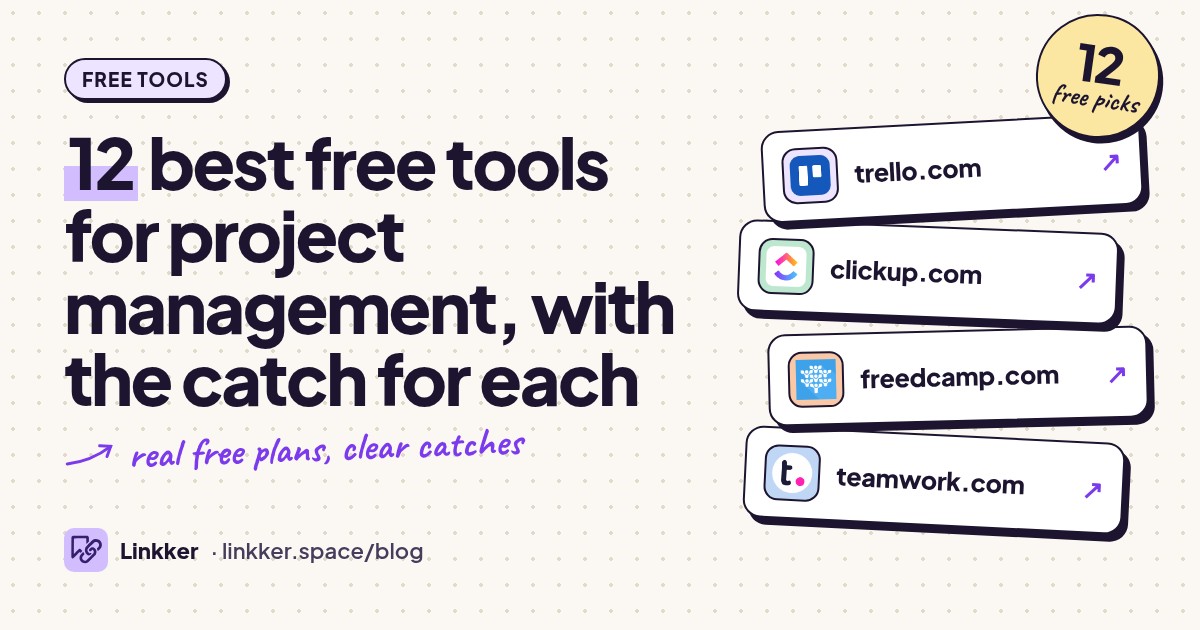
These are the best free tools for project management for freelancers, students, and small teams who need to assign work, track deadlines, and see what happens next.
Each qualifies because its ongoing free plan covers a useful project workflow without a trial timer, with the limits checked against official plan pages.
-
Move tasks across visual boards so everyone can see what needs doing next.
Trello is the safest starting point for a small team with a straightforward workflow. Create lists such as To do, Doing, and Done, then give each task a card with an owner and due date. The free plan includes unlimited cards, so a busy board does not immediately force an upgrade.
Its standout is how little explanation the board needs. Use it for a website launch, class assignment, or content schedule when visible progress matters more than detailed reporting. Official free-plan details.
- Best for
- Simple visual teamwork
- The catch
- Workspace-wide collaborator and board caps apply, including guests; attachments and monthly automation runs are limited.
-
Keep tasks, project documents, and several views of your work in one workspace.
ClickUp suits teams that have outgrown a basic board and want more structure. Its free plan combines unlimited tasks and members with collaborative documents, Kanban boards, and a calendar view. That makes it useful when the project brief and the work checklist need to stay together.
Start with one project and a small set of statuses; the configuration options can become their own project. Keep large attachments elsewhere, and distinguish the ongoing free features from limited demonstrations of advanced tools. Official plan comparison.
- Best for
- Teams wanting tasks and docs together
- The catch
- Attachment storage is small, advanced views and custom fields have usage restrictions, and free guests lack granular res
-
Organize shared tasks, milestones, discussions, and files without a small user allowance.
Freedcamp deserves attention when collaborator caps are the main obstacle. Its free plan includes unlimited users, projects, and tasks, plus core applications for calendars, milestones, discussions, and time tracking. A volunteer group or community project can therefore keep its participants together rather than splitting work across accounts.
The useful distinction is between generous basic capacity and restricted specialist features. Choose it for everyday coordination; check the paid-feature list before building a process around reports, a wiki, or invoicing. Official free-plan details.
- Best for
- Groups that need room for more participants
- The catch
- Individual uploads are small, storage follows a fair-use policy, and reports, the wiki, and several integrations require
-
Track a small set of client projects and log the time spent delivering them.
Teamwork.com is a sensible fit for a small studio or freelance partnership that needs project tracking and time logging together. Its free plan includes several project views, including boards, lists, tables, and Gantt charts, with work organized by client.
That client structure is the standout: two similar tasks can belong to different engagements without becoming one confusing backlog. Use it when your team handles a handful of active jobs and wants to record effort alongside delivery. Official free-plan comparison.
- Best for
- Small teams delivering client work
- The catch
- Both users and projects are capped, automation is limited, and the wider resource and financial tools sit outside the fr
-
Break projects into scheduled tasks and show which work must finish before the next task starts.
Zoho Projects fits a small team that needs an actual project schedule. The free edition includes task management, subtasks, Gantt charts, and basic finish-to-start dependencies within a project. That is useful for work such as preparing an event, where booking the venue affects several later steps.
Its scheduling structure gives it a clearer purpose than another general checklist. Use it for a few defined projects, especially if you already work with Zoho products, and check feature availability before expecting time tracking. Official feature comparison.
- Best for
- Small projects with linked deadlines
- The catch
- Users, projects, and storage are capped; time tracking, custom fields, and more advanced dependency types are excluded.
-
Manage tasks and deadlines in lists, boards, and calendars for yourself or a working pair.
Asana is a strong choice for someone who wants a conventional project manager with clear task ownership. Personal includes unlimited projects and tasks, plus list, board, and calendar views. Switching views lets you check deadlines without rebuilding your task list.
The important qualification is team size: the current Personal plan is designed for one or two people. Older advice describing a larger free team allowance can mislead new users. Choose it for solo client work or a close partnership. Official Personal-plan limits.
- Best for
- Solo projects and working pairs
- The catch
- The current free plan has a very small seat allowance; timelines, custom fields, and workflow automation require an upg
-
Turn small projects into manageable next actions with dates, priorities, and recurring tasks.
Todoist works well when the main problem is remembering and completing the next action. Its quick task entry, recurring dates, sections, and subtasks suit freelance admin, coursework, and repeatable routines. Free list and board layouts give you two useful ways to organize the same work.
The standout is fast capture: adding a task should take less effort than remembering it. Choose Todoist for personal execution and light collaboration; complex schedules and long-term reporting will expose its limits sooner. Official Beginner-plan comparison.
- Best for
- Personal projects and recurring work
- The catch
- Active projects, collaborators per personal project, filters, and uploads are limited; activity history is short and the
-
Put a project's brief, notes, reference material, and task database on connected pages.
Notion suits projects where the explanation matters as much as the checklist. A task can sit beside research notes, meeting decisions, and a brief rather than pointing to several disconnected documents. For an individual workspace, the free plan allows unlimited pages and blocks.
Its flexibility is useful for a dissertation, editorial plan, or solo business project, but you must design the structure. Collaboration needs care: page guests and additional workspace members have different consequences for free-plan limits. Official plan details.
- Best for
- Solo projects with substantial notes
- The catch
- Multi-member workspaces have a content cap; guest access, upload sizes, and page history are limited, and AI access is a
-
Manage a team's backlog, active work, and delivery progress with structured issue tracking.
Jira makes sense when work arrives as bugs, requests, and features that need prioritizing. The free plan includes a backlog, boards, multiple planning views, reports, and dashboards for a small team. Unlimited projects and tasks leave room to separate products or workstreams.
Its standout is the connection between the backlog and ongoing delivery. Choose it when your team needs a shared process and will maintain it consistently. For a simple household checklist, that structure adds unnecessary setup. Official free-plan comparison.
- Best for
- Small teams managing structured backlogs
- The catch
- Users, storage, and automation are capped; permissions and security controls are restricted, with community support on t
-
Build a project tracker around structured records such as deliverables, clients, assets, and owners.
Airtable is useful when your project already resembles a spreadsheet with relationships. A content operation, for example, can connect articles to contributors and campaigns rather than repeating those details in every row. Its database approach is the standout for work that needs consistent fields and filtered views.
Choose it when organizing information is a major part of the job. The free plan remains available after the introductory Team trial, but design your tracker around the free limits from the start. Official free-plan limits.
- Best for
- Projects built around structured information
- The catch
- Records per base, editing collaborators, attachment storage, and automation are limited; some features shown during the
-
Assign shared tasks and organize them through folders, boards, and tables.
Wrike's free plan suits a group that needs basic task coordination without a small user cap. It includes project and task management with board and table views, while its folder hierarchy helps separate related work. That can suit an operations group handling a modest stream of requests.
The limiting factor is workload rather than headcount: the free account caps active tasks. Choose it when you can keep the active queue tidy and do not depend on interactive Gantt charts or advanced reporting. Official account limits.
- Best for
- Larger groups with a modest active workload
- The catch
- Active tasks and account storage are capped; interactive Gantt charts, shareable dashboards, and advanced reporting requ
-
Plan software work with issues and project boards alongside the code being changed.
GitHub is the most natural option here for teams already keeping their code on the platform. GitHub Free includes Issues and Projects, so planning can stay beside implementation. Projects can display issues and pull requests in tables, boards, and roadmaps, with custom fields for your workflow.
The standout is that connection to actual changes: a planning item can point directly to the work that resolves it. Choose it for software or technical documentation projects whose contributors are comfortable with GitHub. Free-plan features and Projects documentation.
- Best for
- Software teams already using GitHub
- The catch
- Contributors need GitHub accounts; the interface takes learning, and advanced private-repository governance features req









How to choose between them
Start with team size and the way work moves. Trello is the easiest default for a small shared board. ClickUp offers more structure and documents, while Freedcamp is useful when a small collaborator allowance would exclude people. For solo work, Asana and Todoist offer clear task tracking; Notion suits projects with substantial notes and research.
Check the constraint that will actually stop your work. A client team may hit a project cap first. An operations group may hit an active-task cap. A research project may run out of attachment storage. Guest permissions also matter when clients should see only their own work.
Before moving everything, create one representative project with a real deadline, several tasks, and the people who need access. Confirm that the required views and permissions belong to the ongoing free plan. For coursework that also involves research and browser organization, these useful websites for students cover related jobs.
Quick answers
What is the best free project management tool for a small team?
Trello is the safest general starting point for a simple visual workflow. Choose ClickUp if you also need project documents, or Freedcamp if collaborator limits are the main obstacle.
Which project management tools are free forever?
All twelve offer an ongoing free plan for the core workflow described here. Advanced features may be restricted or offered through a separate trial, and free-plan terms can change.
Can I manage projects for free without a credit card?
Yes. Teamwork.com and Zoho Projects explicitly offer free signup without a credit card. Select the ongoing free plan and check the account's plan settings before relying on any advanced features.