 Linkker
The 12 best free resume builder tools, with every catch explained
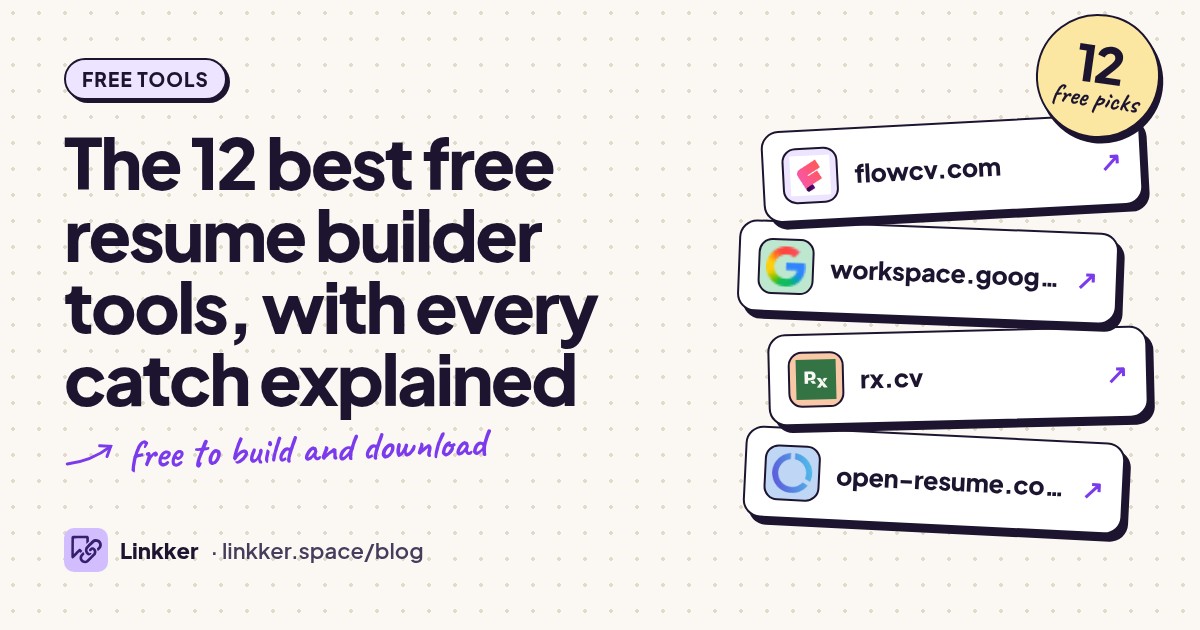
These free resume builder tools suit first-time applicants, career changers, and anyone updating a resume without paying to download it.
Each qualifies because its official site offers a usable resume download without a trial timer, with the account requirements, design restrictions, and AI limits explained below.
-
Build one customizable resume and download it as a PDF as often as you need.
FlowCV is the easiest starting point for most readers: enter your experience, choose a layout, and adjust the spacing without manually moving text boxes. Its standout detail is the download policy: your first resume includes unlimited PDF downloads without a watermark. You can also import an existing resume rather than retype everything.
Choose it when you want one polished document you can keep updating. The limitation appears when you want several saved versions for different roles: the free plan covers one resume. See FlowCV’s free-plan details.
- Best for
- One polished resume with repeat PDF downloads
- The catch
- An account saves your work, and the free plan holds only one resume.
-
Edit a resume template in a familiar document editor and download a copy.
Google Docs suits anyone who wants straightforward editing and feedback from a friend. Open the template gallery, choose a resume, and replace the sample text; Google documents the process in its template instructions.
The useful extra is collaboration: someone can suggest wording changes directly in your document. You can download PDF or Word copies, making this a practical free resume editor for ongoing revisions. You need a Google account, and you handle page breaks and spacing yourself. Long replacement text can push a tidy template onto another page.
- Best for
- Easy revisions and feedback from other people
- The catch
- Requires a Google account, and formatting needs manual attention as your text grows.
-
Create customizable resumes with free PDF and Word downloads.
Reactive Resume is a strong choice when you want room to keep editing without a premium template menu. Its open-source builder offers PDF and Word downloads, multiple templates, and imports from existing documents. The project states that there is no paid tier, advertising, or tracking.
It especially suits applicants who want both a finished PDF and an editable Word file. Create an account for the hosted service, or self-host if you have the technical knowledge. Optional AI features require a provider you connect, so those are not automatically free. Read the project’s explanation.
- Best for
- Flexible editing with PDF and Word exports
- The catch
- The hosted builder requires an account; optional AI needs your own provider connection.
-
Make a simple resume without signing up or storing your details in an online account.
OpenResume removes a common obstacle: you can start writing without creating an account. Add an existing PDF or begin from scratch, preview the result, and download your resume. Its official page says your information stays locally in your browser.
The builder deliberately follows U.S. resume conventions, including leaving out profile photos. That makes it useful for a clean, conventional application, but less suitable for someone seeking elaborate designs. Download a backup before clearing browser data or switching devices; local storage does not provide account-based access everywhere.
- Best for
- A conventional U.S. resume without sign-up
- The catch
- Design choices are deliberately narrow, and browser-stored work does not automatically follow you between devices.
-
Build a resume with guided sections and download it in PDF or plain text.
Resume.com works well when you need help getting past an empty page. It combines templates, job-specific examples, writing tips, and rearrangeable sections. Its official homepage explicitly includes free PDF and plain-text downloads, so the useful file is part of the core offer.
Use the examples to identify what belongs in each section, then replace generic wording with your own work. The export choice is the practical limitation: the site lists PDF and plain text rather than Word, so choose another option if an employer specifically requests DOCX.
- Best for
- Guided writing with examples to get started
- The catch
- The listed downloads are PDF and plain text, rather than an editable Word document.
-
Free plan
Jobscan
jobscan.coCreate and download resumes using restrained templates designed for applicant tracking systems.
Jobscan’s free builder is useful for applications where clear structure matters more than decoration. It offers resume imports, standard sections, and unlimited resume creation, editing, and downloads. That makes it practical for keeping separate versions for different job types.
The distinction to understand is between the builder and its writing extras. Jobscan lists its AI summary and bullet generators as paid features; you can still write and download the document for free. Its templates aim for machine readability, but no layout guarantees an interview or a screening result. Check the builder’s included features.
- Best for
- Simple layouts and multiple application versions
- The catch
- AI summary writing, bullet generation, and other premium optimization features are separate from the free builder.
-
Build multiple resumes and organize the jobs you are tailoring them for.
Teal suits an active job search with several applications in progress. Its free account includes unlimited resume creation, editing, and exports, alongside job tracking. That combination helps you keep a role-specific resume connected to the opening it was written for.
It is also an option for readers searching for a free resume builder with AI, provided the limit is clear: the writing credits are a small, one-time allowance. The core editor continues working after those credits run out. Advanced analysis, fuller keyword matching, and additional design controls have restrictions. See Teal’s free-account explanation.
- Best for
- Tailoring resumes during a busy job search
- The catch
- Requires an account; AI credits are limited and do not replenish as an unlimited free writing service.
-
Use Word in your browser to edit resume templates without a desktop subscription.
Word for the web is the practical choice when you need a resume that remains easy to edit as a Word document. Microsoft confirms that the browser version is free, and its support guide explains how to start from a resume template.
Choose a plain design, replace the placeholders, and check the finished page before submitting. This answers the search for free resume templates Word users can actually edit. You need a Microsoft account, and the free browser editor has fewer features than the desktop application.
- Best for
- Applications that need an editable Word document
- The catch
- Requires a Microsoft account; desktop Word and some advanced features are outside the free browser version.
-
Free plan
Canva
canva.comCustomize free resume templates with a visual drag-and-drop editor.
Canva is useful when presentation deserves extra attention, particularly for a resume you will send directly to a person. Its free resume maker offers editable templates and PDF downloads, with control over text placement, colors, and visual details.
Keep the document readable rather than filling every space with graphics. The main catch is mixed free and premium content: a free template can become a paid design if you add Pro elements. Canva explains that premium elements carry watermarks until licensed. Stick to free assets throughout.
- Best for
- Visual customization and direct sharing
- The catch
- Requires an account; Pro templates and elements need payment or replacement with free content.
-
Design a resume from free templates and download the finished document as a PDF.
Adobe Express is another useful choice for applicants who prefer moving and styling text visually. Its resume creator includes free templates, font suggestions, and PDF downloads. It suits someone who already has the wording ready and needs help making the page look consistent.
Choose templates marked free and keep added assets within that selection. Premium content can block a free export, so check your choices before spending time polishing the design. Compared with a structured builder, you take more responsibility for keeping sections aligned as the resume grows.
- Best for
- Styling an already-written resume
- The catch
- Some templates and assets are premium, and visual layouts need manual adjustment when text changes.
-
Create and download resumes free when you stay within its basic design options.
Kickresume suits readers who want examples and suggested phrases alongside a structured editor. Its free offering includes unlimited resumes and downloads, provided you use the free customization options. That makes it workable for repeated applications without paying at every export.
The boundary is design and automation. Free users have fewer template and font choices, limited customization, and no included AI resume writer in the standard free comparison. Select the basic options from the beginning to avoid rebuilding around premium choices later. Kickresume’s comparison explains the restrictions.
- Best for
- Guided drafting within basic templates
- The catch
- Requires sign-up; free designs and fonts are limited, and the AI resume writer is a premium feature.
-
Create a free Europass-format CV for applications that request or suit that structure.
Europass is the European Commission’s free CV tool, useful when an application asks for a Europass document or you want its structured presentation of qualifications. You can edit sections, choose a layout, and download a Europass PDF. An account is optional for the editor.
Its catch is portability and storage: the download format is Europass PDF, and guests should keep their own copy rather than rely on persistent online storage. Registered users can save documents in their library. Choose it for a relevant application requirement, rather than assuming every European employer expects it. Read the export and guest-storage details.
- Best for
- Applications requesting a Europass CV
- The catch
- Exports use Europass PDF, and guest work is stored only temporarily unless you keep your own copy.










How to choose a free resume builder
Start with the file the application requests. If it asks for Word, use Word for the web, Google Docs, or Reactive Resume. If PDF is accepted and you want guided formatting, FlowCV is a sensible starting point. OpenResume suits anyone who would rather skip account creation.
For several tailored applications, choose a tool that lets you keep multiple resumes, such as Jobscan or Teal. Canva and Adobe Express offer more visual freedom, but you will spend more time checking alignment and avoiding premium assets. Europass makes sense when the application calls for its format.
Before entering your full work history, make a short draft and download it. Open the file, check the page breaks, and confirm that your contact details and text look right. Keep an editable master copy as well as the version you submit. Follow the employer’s file instructions, and treat any promise of guaranteed screening success cautiously.
If your existing resume is trapped in a PDF and you need editable text, these free tools to convert PDF to Word can help, though converted formatting may need cleanup.
Quick answers
How to make a free resume?
Choose FlowCV or OpenResume, add your contact details, relevant experience, education, and skills, then download a PDF. Replace sample wording with specific facts about your work and proofread the exported file before sending it.
Where can I get free resume templates Word can edit?
Start with Microsoft Word’s resume templates in the free browser editor. Google Docs also offers resume templates you can download in Word format. Check spacing after moving a document between editors.
Is there a free resume builder AI option?
Teal includes limited, one-time AI writing credits alongside a continuing free resume editor. Reactive Resume’s optional AI uses a provider you connect, which may involve separate usage charges. Review every generated sentence and remove any achievement or skill you cannot support.