 Linkker
The 12 best sites to learn coding for free, with every catch
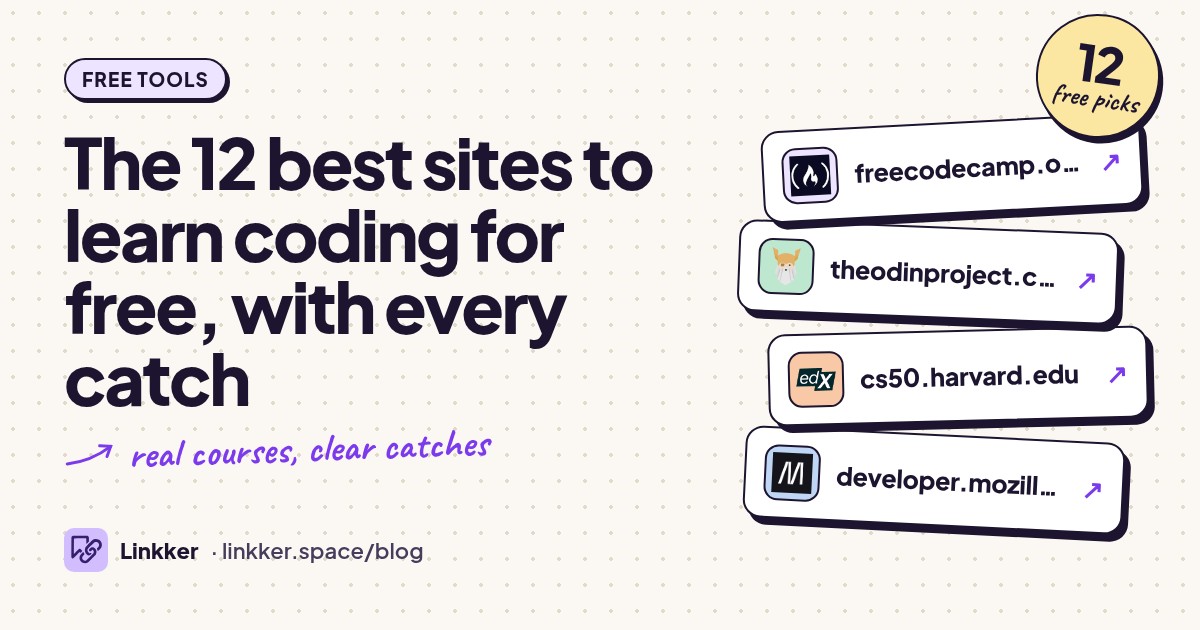
These sites to learn coding for free suit complete beginners, returning learners, and people ready to build their first real project.
Each qualifies because its core lessons or coding exercises are available without a trial timer; the order starts with the broadest options, then moves into specific languages and more demanding courses.
-
Learn programming through guided lessons, coding exercises, and projects.
Start here if you want a clear next step instead of a folder full of tutorials. freeCodeCamp combines short explanations with code you write yourself, then asks you to apply those skills in projects. Its catalog covers web development, Python, and other programming subjects, and its certifications are free too. The strongest reason to choose it is the structure: you can follow a course rather than plan your own syllabus. Expect to spend time debugging without a personal instructor. See its course catalog and free-access statement.
- Best for
- Most beginners who want a guided starting point
- The catch
- An account is needed to save progress and earn certifications; individual instructor support is not included.
-
Follow a free curriculum for building complete websites and web applications.
Choose The Odin Project when your goal is to build websites beyond a browser exercise window. Its curriculum connects explanations, outside reading, development tools, and substantial projects in a deliberate order. You work with a real editor and learn the habits around coding, including Git. That makes the early setup more demanding, but it also gives you practice working independently. This is a strong fit for someone who wants a sustained web development path and can use a computer regularly. Explore the free curriculum.
- Best for
- Beginners committed to web development
- The catch
- You need a computer and must set up development tools; it is a substantial commitment with plenty of independent problem
-
Study computer science fundamentals through Harvard lectures and programming assignments.
CS50x suits learners who want to understand how programs work beneath the surface. The course moves from Scratch into C, algorithms, memory, Python, SQL, and web development, with problem sets and a final project. That breadth helps you make sense of concepts that shorter tutorials can skip. The materials are freely accessible, and a free CS50 certificate is available after meeting the course requirements. Give yourself room to struggle: the assignments demand much more than recalling a lecture. Read the course overview and certificate requirements.
- Best for
- Learners who want strong computer science foundations
- The catch
- The problem sets are demanding, and submitting work requires accounts; the optional verified credential is separate from
-
Learn HTML, CSS, and JavaScript with explanations, examples, and practical challenges.
Use MDN when you want to understand what your web code actually does. Its learning area provides a route through environment setup, HTML, CSS, JavaScript, and related web skills, so you do not have to begin with the reference documentation. Tests and challenges turn the reading into something you can practice. It is particularly useful beside a project course: when a layout or event handler confuses you, the explanation is close by. Expect substantial reading and some work in your own editor. Browse MDN’s learning area.
- Best for
- Learning web fundamentals and looking things up
- The catch
- Much of the learning is text based, and some exercises require downloaded files and a local editor.
-
Try introductory programming through visual explanations and browser projects.
Khan Academy is a comfortable starting point if a blank code editor feels intimidating. Its computer programming material introduces drawing and animation with JavaScript, webpages with HTML and CSS, and databases with SQL. Seeing a program change a picture or animation gives abstract ideas a concrete result. Choose it for an approachable introduction before committing to a longer curriculum. Its teaching environment simplifies parts of programming, so plan to move into ordinary development tools when you start building independent projects. See Khan Academy’s programming introduction.
- Best for
- Visual learners and beginners exploring coding
- The catch
- The simplified browser environment is introductory; it does not replace learning a full development workflow.
-
Build programming fluency by solving exercises in your chosen language.
Choose Exercism when you have learned a concept but need practice using it. Language tracks organize exercises around increasingly involved problems, giving you repeated opportunities to write and revise code. Its combination of practice and community mentoring is the standout feature: a working answer can become a chance to consider clearer approaches. The platform describes its learning, practice, and mentoring as free. It works especially well alongside a course, once variables, loops, and functions are beginning to make sense. Explore Exercism.
- Best for
- Turning basic knowledge into coding fluency
- The catch
- An account is required, and community mentoring should not be treated as immediate, guaranteed tutoring.
-
Practice Python and data skills through short courses and notebook exercises.
Kaggle Learn is useful when your coding goal involves tables, analysis, or machine learning. Its short courses pair explanations with exercises in browser notebooks, reducing the setup between reading a lesson and running code. Complete beginners should start with Intro to Programming before moving to Python; learners with some experience can choose a specific data topic. The courses are free, but their compact format means you will need additional projects to connect the skills into larger programs. Browse Kaggle Learn and its introductory course.
- Best for
- Python beginners interested in data
- The catch
- A Kaggle account is needed for exercise work; the short courses focus on data rather than general application
-
Learn SQL by writing queries against example tables in your browser.
SQLBolt gets you from reading about databases to writing queries quickly. Lessons cover selecting rows, filtering, sorting, joins, aggregates, and changing tables, with interactive exercises beside the explanation. The short lesson format makes it easy to practice one concept during a break. You can access the lessons and exercises without enrolling or installing a database. Choose it if you work with spreadsheets and want to start querying related tables. Its focus is introductory SQL, so database administration and larger database projects come later. Open the interactive lessons.
- Best for
- A quick, practical introduction to SQL
- The catch
- It teaches a common SQL foundation; database-specific behavior and advanced database work need other resources.
-
Study JavaScript from basic syntax through browser behavior and advanced language concepts.
JavaScript.info is a good next stop when you can copy a script but cannot explain why it works. Its online tutorial progresses from variables and functions to objects, asynchronous code, and browser interactions. Detailed explanations and tasks make it useful both as a course and as a place to revisit a difficult topic. The web chapters are freely readable; downloadable editions are separate. Pick this if you learn well by reading and experimenting, and bring your own small project to give the concepts a purpose. Browse the tutorial.
- Best for
- Understanding JavaScript in depth
- The catch
- The material is text heavy, and you need to run and explore examples yourself.
-
Make games, stories, and animations by connecting visual code blocks.
Scratch introduces programming through things you can see move and respond. You connect blocks for events, loops, conditions, and variables, then use them to control characters and scenes. Built-in artwork and sounds let beginners concentrate on behavior before worrying about typing syntax. It is especially suitable for children, parents learning alongside them, and adults who want a gentler first encounter with programming. The free editor includes starter projects and tutorials. Read how Scratch works and its getting-started guide.
- Best for
- Children and beginners who prefer visual projects
- The catch
- An account is needed to save projects online and share them; learning a text language is a separate next step.
-
Learn Python’s core language features directly from its official documentation.
The official Python tutorial is a strong choice if you already understand programming and want to learn Python accurately. It covers control flow, data structures, modules, files, exceptions, and classes, with examples you can run yourself. The useful distinction is right at the start: this tutorial assumes basic programming knowledge. Complete beginners will usually benefit from guided exercises elsewhere first. Use it when switching languages or when you want a concise explanation grounded in Python’s own documentation. No account is needed to read it. Read the tutorial’s prerequisites.
- Best for
- Programmers adding Python to their skills
- The catch
- It assumes programming experience and provides no built-in exercise grading or personal feedback.
-
Build JavaScript web applications with React, Node.js, databases, and related tools.
Full Stack open belongs after the basics. The University of Helsinki course develops applications through connected exercises, covering the browser, server, data, testing, and deployment concerns involved in larger web projects. Its progression is valuable because you keep extending software rather than starting every lesson from an empty file. The course is free, but its prerequisites include good programming skills and familiarity with web programming, databases, and Git. Choose it when you can already solve smaller problems independently. Check the access terms and prerequisites.
- Best for
- Experienced beginners ready for full stack projects
- The catch
- Prior programming knowledge and local development tools are expected; it is too steep for a first coding course.










How to choose between them
Choose one main course and one place to practice. For a broad start, use freeCodeCamp. For websites, follow The Odin Project and keep MDN nearby. Choose CS50x if understanding algorithms and computer memory matters as much as making something visible.
For data work, start with Kaggle’s introductory programming material, then add SQLBolt. For children or anyone who prefers visual experimentation, begin with Scratch. Save Full Stack open until you can write and debug smaller programs independently.
Give your chosen course a concrete goal: a personal webpage, a small game, or a script that summarizes a file. Finish that before collecting more courses. When your webpage is ready to share, these free tools for making a website cover practical publishing options.
Quick answers
What are good sites to learn coding for free?
freeCodeCamp is the broadest starting point here. The Odin Project suits future web developers, while CS50x suits learners who want deeper computer science foundations. All three provide substantial learning without a trial timer.
What are good sites to learn Python?
Start with Kaggle’s Intro to Programming and Python courses if you want browser exercises. Use Exercism for more practice. The official Python tutorial is better suited to people who already understand basic programming.
What are good sites to learn SQL?
Start with SQLBolt for short lessons and browser queries. Khan Academy offers a gentler introduction with explanations and practice, while CS50x places SQL within a broader programming course.